


Netflix has evolved from a niche mail-order service into the dominant force in subscription video-on-demand. It’s not just a library anymore; it’s an ecosystem. You get unlimited access to movies, original series, documentaries, and kids’ shows. The catalog refreshes constantly thanks to deals with major studios and heavy investment in exclusive content. We’re talking multi-language support and quality that ranges from standard HD up to 4K on compatible devices.
The real value? Flexibility. You can watch anywhere. On a PC browser. A smartphone running Android or iOS. A tablet. A Smart TV. Or even a cable box. Netflix has built itself into the center of digital entertainment because it adapts to how you live, not the other way around. Features like parental controls, offline downloads, and cross-device resume points make it stickier than older media formats ever were.
Зміст
Where to Download Netflix and Install It Safely
Getting the app running shouldn’t be a puzzle. Netflix provides native applications for the major operating systems. If you are on Windows 10 or 11, head to the Microsoft Store. It’s the safest route. You get a secure download and native integration with the Windows ecosystem. Once installed, you have full navigation, streaming, and download capabilities right on your desktop.
Android users pull the app directly from the Google Play Store. iPhone and iPad owners use the App Store. It’s standard stuff. For those who hate installing apps, the web version works just fine. Just open Chrome, Firefox, Edge, or Safari on your Windows, macOS, or Linux machine. No installation required. You get immediate access to the entire service suite minus the offline features.
Mobile optimization is key here. The apps handle 4G, 5G, and Wi-Fi connections smoothly. They also manage storage intelligently when you download videos for offline viewing. You aren’t just blocking space on your drive; you’re managing it so your phone doesn’t choke.
Compatibility Across Devices and Platforms
Netflix supports nearly every major environment out there. Windows and mobile are obvious wins. But what about Apple users? Mac users don’t have a dedicated native desktop app yet. You’re stuck with the browser version for now. It works perfectly well. Linux users face the same reality. No native client. Just the web browser. You lose the offline mode, but you don’t lose anything else significant.
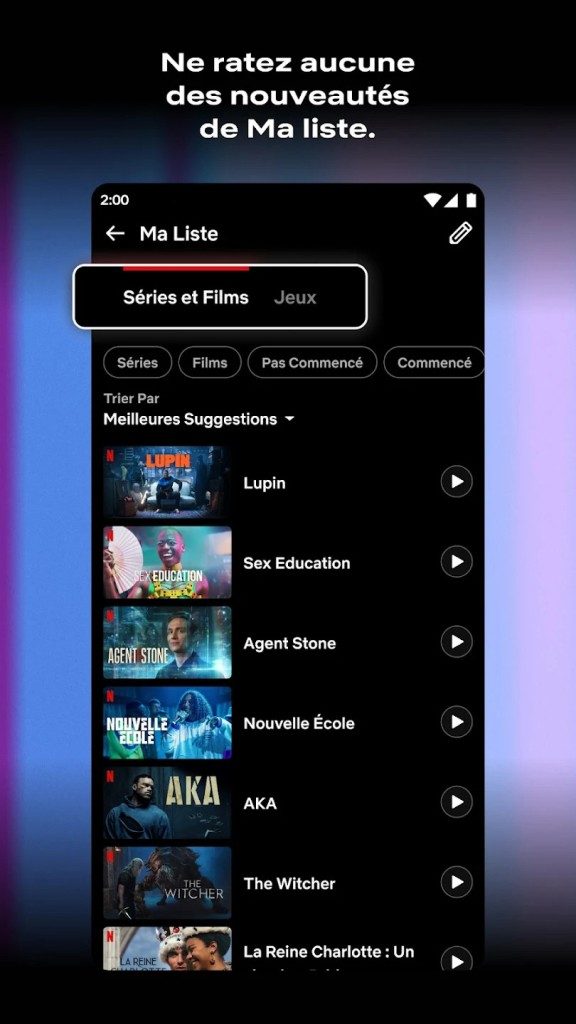
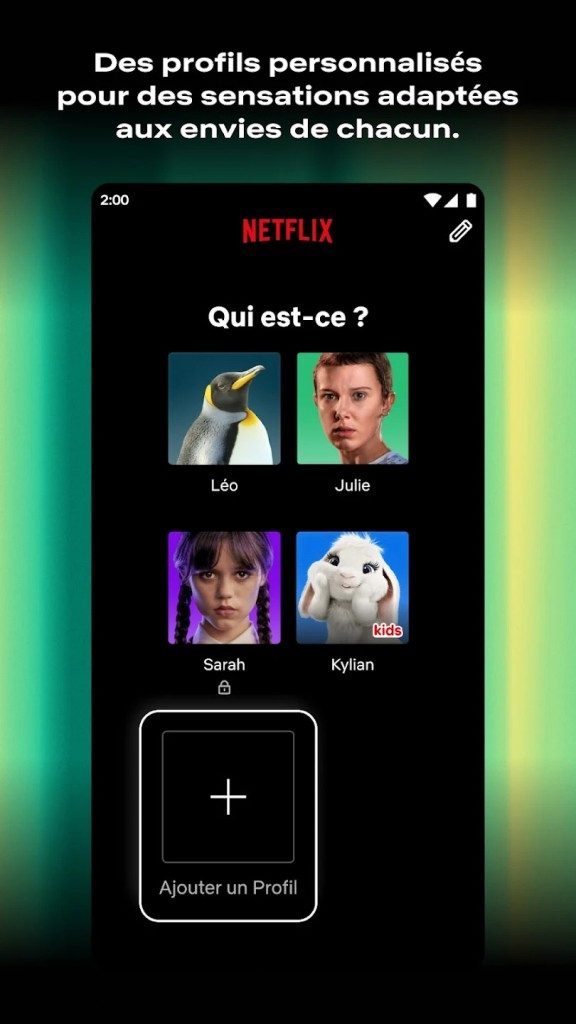
Authentication is universal. You need a valid Netflix account. You create it during the first sign-up. From there, your profiles, watch history, and recommendations sync across all devices. Switch from your TV to your phone mid-episode? The timestamp saves automatically. That continuity is the entire point of the subscription.
If you are looking for a free version, stop. It doesn’t exist. Netflix is strictly paid. Occasionally, they offer limited-time free trials. These aren’t reliable. They appear and vanish based on region and marketing pushes. Students or specific demographics don’t get special pricing tiers like you might find with some competitors. The grid is uniform.
Avoid shady APK files or third-party installers. They pose security risks. You don’t want malware hiding in your streaming app. Stick to the official stores.
Keeping Netflix Updated on Any Device
Updates happen automatically on mobile. Android and iOS push them through their respective stores. You get notified when a new version drops. Windows updates flow through the Microsoft Store as well. Keeping these apps current isn’t just about new features. It’s about security patches and compatibility with the current streaming infrastructure.
Do not try to install old versions of the app. Just don’t. Older builds often have security vulnerabilities. They might break entirely when the server-side code updates. You’ll end up with a broken app and no customer support to help you fix it. Stay on the latest version. It’s the only way to guarantee the 4K streaming and profile syncs actually work as intended.
The Reality of Streaming Costs and Choices
Let’s be clear about the business model. You pay for access. There are no ads in the ad-free tiers. There is no free tier with a catch. You subscribe, you watch. The cost is fixed. If you want to share accounts across multiple profiles, you pay for the tier that allows it. Netflix has tightened this up in many regions recently. It’s not just about watching; it’s about managing household access.
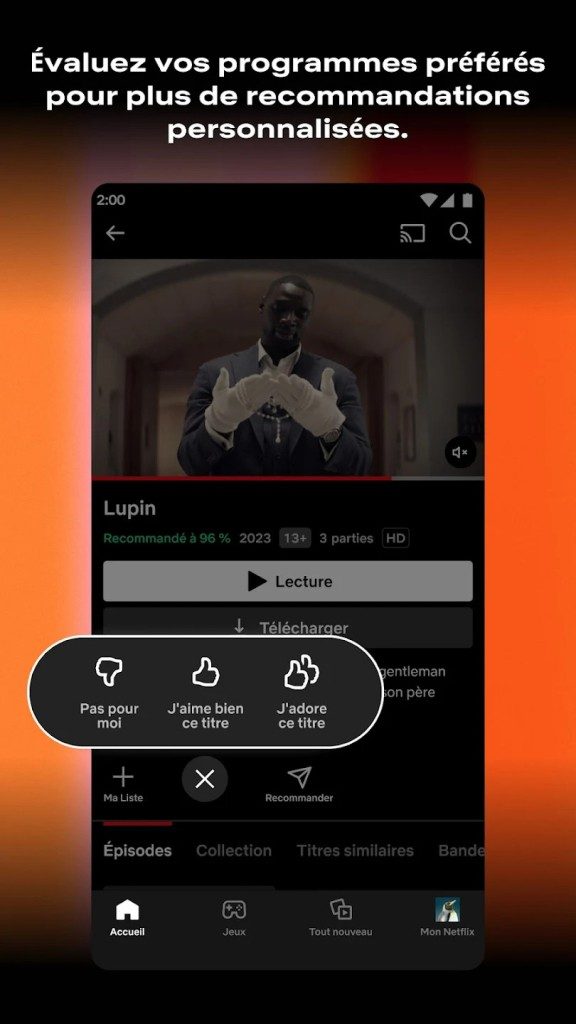
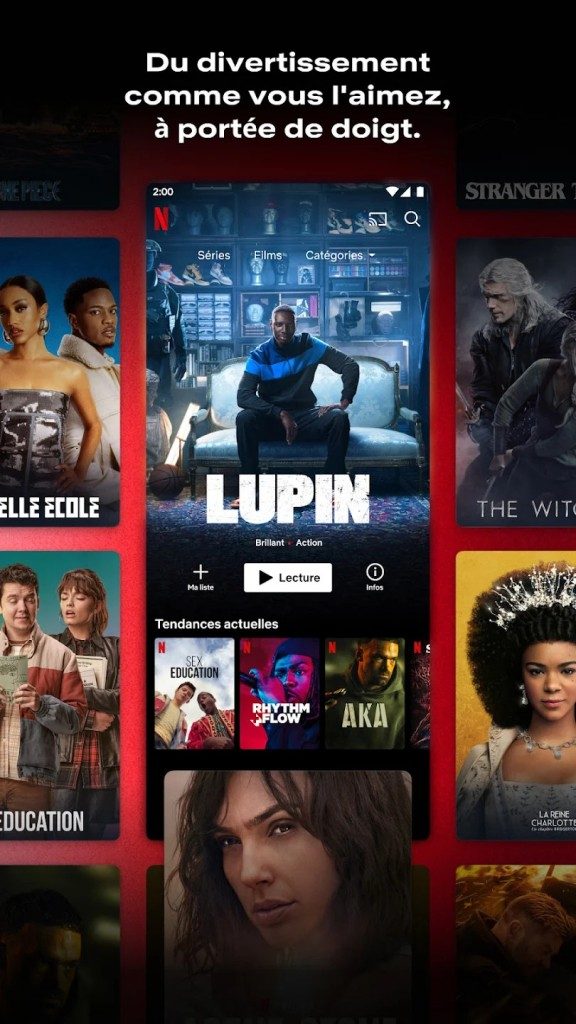
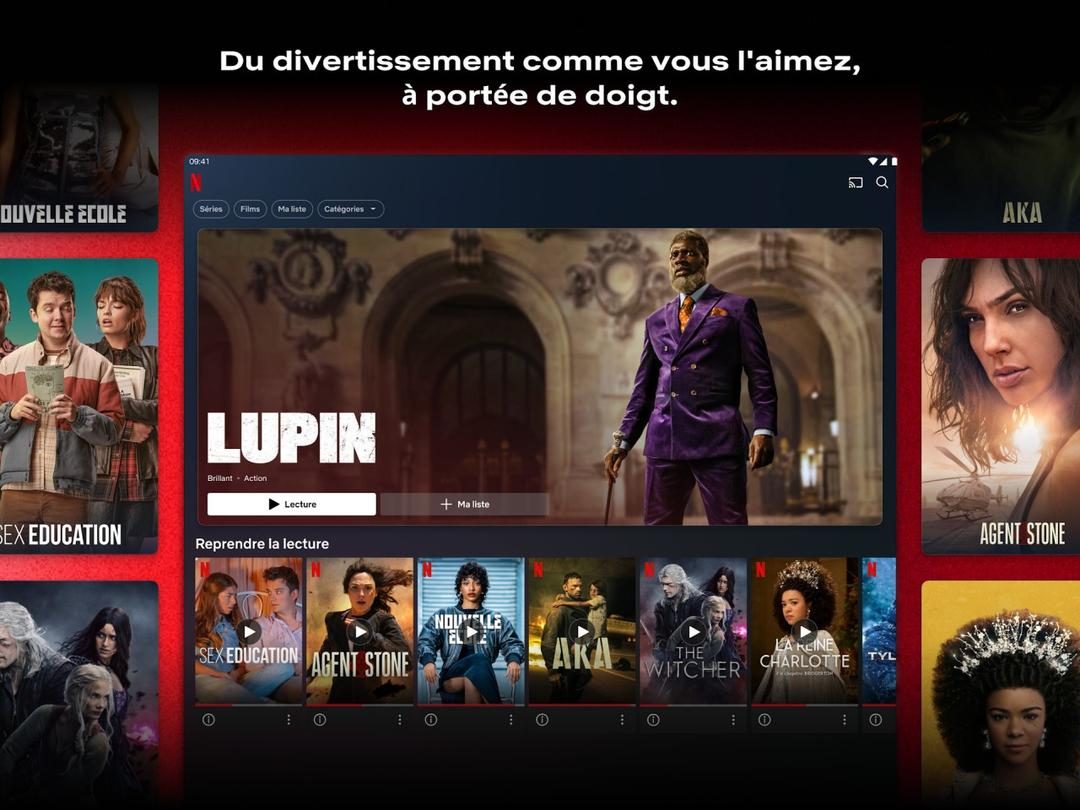
Why does this matter to you? Because the friction is low. Once you pay, the friction disappears. You open the app. You click play. The algorithm suggests what you might like next. It learns your tastes. Over time, the homepage feels customized. That personalization loop keeps you engaged. It turns passive viewing into active discovery.
Is it perfect? No. Buffering happens. Servers crash occasionally. The cancellation policy can feel rigid in some regions. But the utility is undeniable. It has replaced cable boxes for millions of households. It has changed how we binge-watch narratives. We expect immediacy now. We expect choice. Netflix delivers both, provided you keep your app updated and your subscription active.
What happens when the next big competitor launches with cheaper rates and better originals? The landscape shifts. But for now, Netflix remains the default. Not because it’s the only option, but because it’s the most familiar. You know how it works. You trust it. That trust is harder to break than a monthly fee.

Navigating Netflix Pricing Tiers and Restrictions
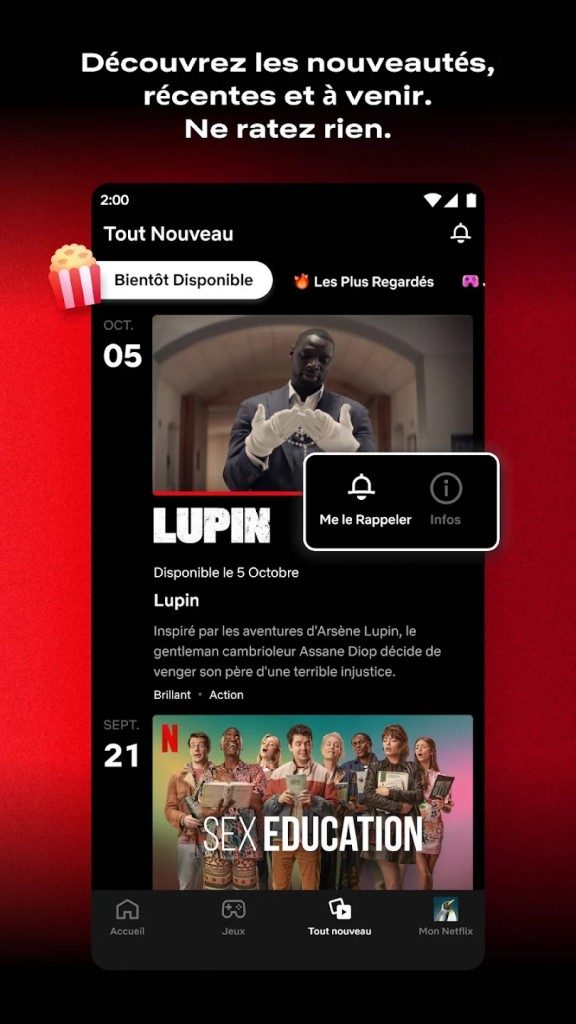
Netflix doesn’t do free trials anymore. There is no student discount. There is no ad-supported tier that unlocks everything. It’s a pay-or-go model, and the pricing structure has shifted significantly to maximize revenue per household rather than just headcount.
The entry-level option gets you into the door. You get most of the library. But you’re stuck with standard definition on mobile devices if you pick the old mobile plan, or just 1080p HD if you pick the basic tier. And you are limited to one screen at a time. If you try to watch on the TV, the phone goes dark. That’s the trade-off for the lower price.
For families or roommates who actually want to watch different shows simultaneously, you need the premium tiers. These cost more. They support four screens at once. They deliver 4K Ultra HD resolution. They include Dolby Atmos audio on compatible devices. If you care about picture quality or sharing costs with people outside your immediate house (though Netflix is cracking down on this heavily since 2023), you’ll pay the premium price.
There is also an ad-supported plan now. Launched in 2023, it sits in the middle. Cheaper than ad-free, more expensive than the old mobile-only bucket. It gives you access to almost the entire catalog. But you get ads. Some newer or licensed content might be excluded from this tier entirely. It’s a compromise: watch commercials for a discount, or pay full price for silence.
Offline Viewing and AI Personalization
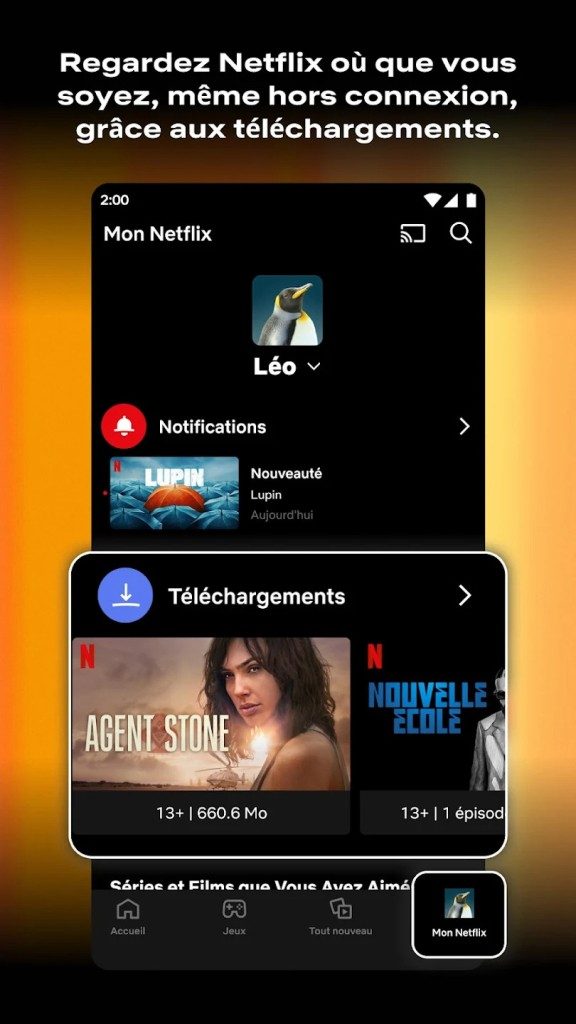
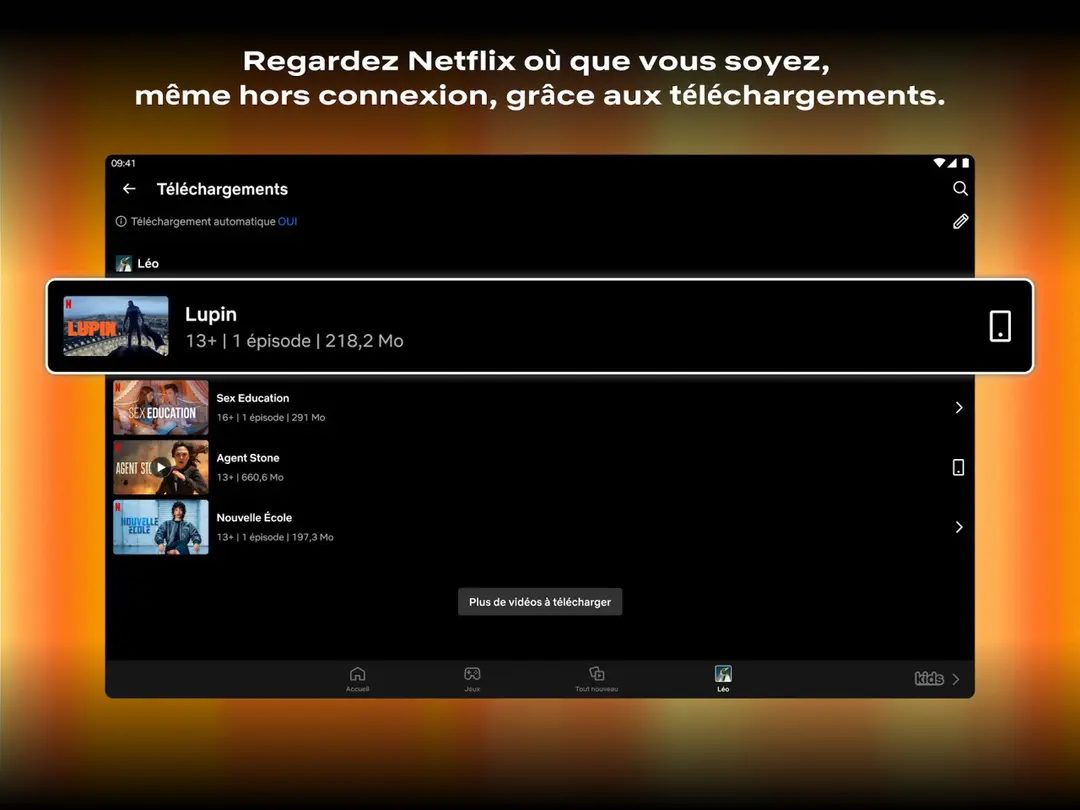
Why do people download shows on Netflix? Not because they’re cheap. But because they’re practical. The offline viewing feature lets you cache movies and series to your device. No Wi-Fi? No problem. This is huge for travelers. It’s essential for commuters on dead-zone subway lines. It removes the buffer wheel.
But the real engine behind Netflix isn’t the servers. It’s the algorithm.
Netflix uses aggressive artificial intelligence to curate your home screen. It doesn’t just look at what you watched yesterday. It looks at what you finished. What you skipped. What time of day you watch. What genre you abandon after ten minutes. The interface changes for every single user. Two people can open the app on the same TV, and see completely different rows of content.
This personalization is why the service feels “sticky.” It reduces decision fatigue. Instead of scrolling for twenty minutes to find something, the app suggests three options that likely match your mood. It’s manipulative, sure. But it’s also convenient.
Interactive Features and Mobile Integration
Netflix isn’t just a streaming player anymore. It’s trying to be an ecosystem.
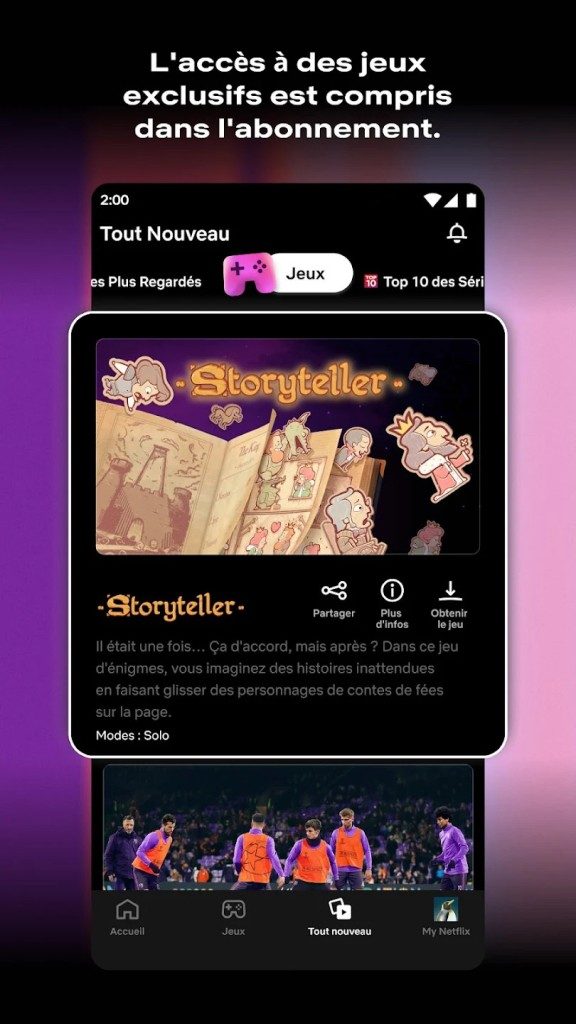
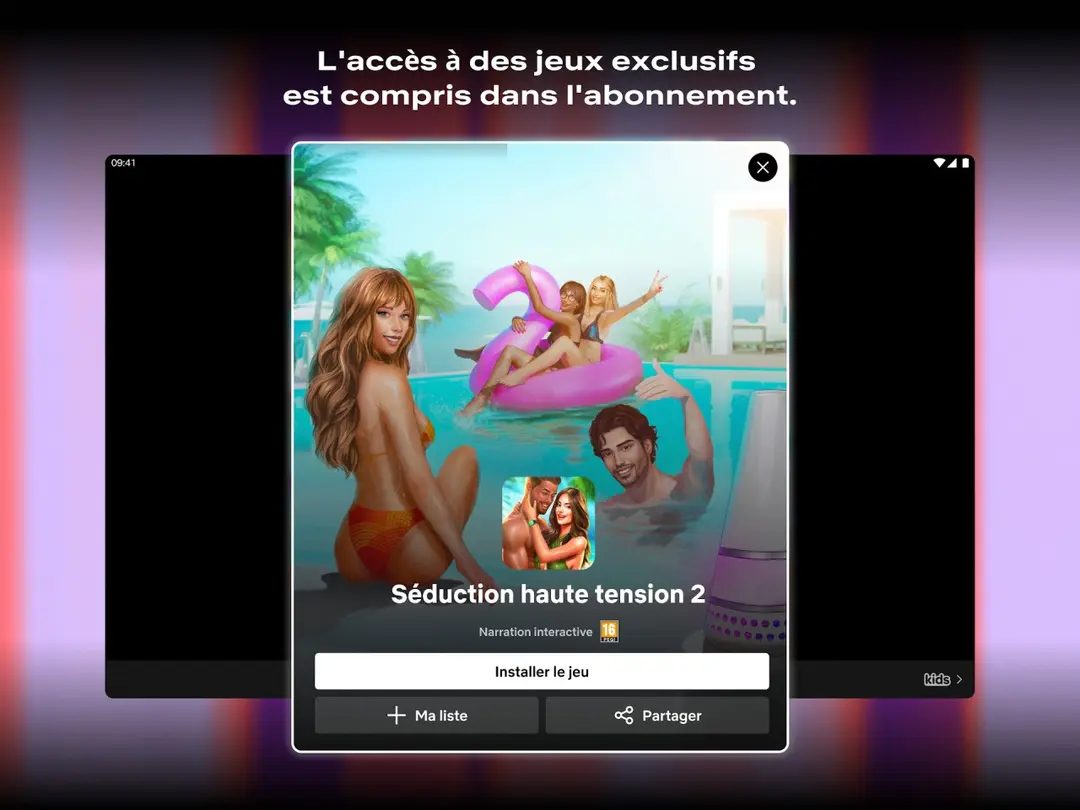
You can play mobile games within the app. No extra cost. Just download and play. Some are branded titles based on their shows. Others are standalone puzzles or strategy games. It’s a way to keep you in the app even when you aren’t watching video.
Then there’s interactive content. Shows like Black Mirror: Bandersnatch let you make choices. Your clicks change the plot. It’s a gimmick to some. A novelty to others. But it pushes the boundary of what a passive medium can be.
The interface is designed to be frictionless. Big thumbnails. Auto-play trailers. Skip intro buttons (which many people still use, surprisingly). The goal is zero latency between desire and content.
Managing Your Account and Support
If things break, Netflix has a robust help center. It’s mostly automated. You can troubleshoot streaming issues, update payment methods, or cancel your subscription online. Cancellation is easy. No hidden fees. No retention calls that last forty-five minutes. Just a click, and you’re out.
Payment options are flexible. Credit card is standard. But in many regions, you can bill through your mobile carrier or ISP. It simplifies the transaction. You don’t have to remember another recurring charge.
Technical support is available, but don’t expect a human on the phone for basic issues. The FAQ covers 90% of problems. Bandwidth issues? Check your connection. Playback errors? Update the app. If those don’t work, the system routes you to higher-tier support.
Netflix remains the default for video streaming. Not because it’s perfect. But because it’s everywhere. And it knows exactly what you want to watch next, even before you do.
The question isn’t whether to subscribe. It’s which tier gets you the best bang for your buck without triggering the household sharing penalties.

System Requirements and Technical Specifications
You need to know what runs the show before you install anything. Netflix isn’t just a website you click; it’s an ecosystem. The dedicated apps for Windows 10, Windows 11, Android, and iOS/iPadOS handle the heavy lifting. They sync your watch history and profiles across devices. Your phone picks up exactly where your tablet left off. The web version works in modern browsers too, though it lacks some offline capabilities.
The tech stack adjusts to your bandwidth automatically. If your connection drops, the bitrate lowers. You might get pixelated images for a second, but the video keeps playing. This adaptive streaming is the backbone of the service.
Here is the raw technical breakdown. No fluff.
- Developer: Netflix, Inc.
- Model: Subscription Video on Demand (SVOD). Monthly fee. Ad-free or ad-supported tiers depending on your region.
- Platforms: Windows 10/11, Android, iOS/iPadOS, and any browser supporting DRM.
- Hardware: PCs, Macs, smartphones, tablets, Smart TVs, operator set-top boxes, gaming consoles, Chromecast, and Apple TV.
- Browsers: Chrome, Firefox, Edge, Safari. They must support Digital Rights Management (DRM).
- Video Quality: Starts at Standard Definition (SD). Goes up to Full HD (1080p) and Ultra HD (4K). 4K requires specific hardware and a higher-tier subscription.
- HDR Support: HDR10 and Dolby Vision. Only if your screen and the content support it.
- Audio: Stereo to multi-channel. Dolby Atmos is available on compatible gear.
- Offline Mode: Downloads are allowed on mobile and Windows apps. Not on web browsers.
- Storage: Varies by file quality and duration. You manage the space.
- Security: Stream encryption and DRM protect the content from piracy.
- Accessibility: Subtitles, Closed Captions (CC), and Audio Description. Availability depends on the specific title.
The User Experience: Why It Works
Installing the app is fast. The interface is clean. It doesn’t clutter the screen with noise. The discovery engine learns your habits. Watch a few action movies, and your homepage shifts. The algorithm pushes similar titles. It helps you navigate a catalog that has thousands of options without feeling overwhelmed.
The playback engine is robust. It maintains stability even when network conditions fluctuate. When you have the hardware, the jump from HD to 4K is noticeable. Colors pop. Contrast deepens with HDR. Dolby Atmos adds depth to the soundscape. It’s not just about resolution. It’s about immersion.
Offline downloads are a killer feature for travelers. You save space on your device. You pick the quality before you download. High quality takes more storage. Low quality saves it. You control the trade-off. Note that ad-supported plans usually block downloads. DRM restrictions also mean not every movie can be saved. Legal rights vary by territory.
Where It Falls Short
Nothing is perfect. The catalog changes based on where you live. What’s available in the US might vanish in France. Licensing deals expire. The 4K experience is gated behind expensive plans and specific hardware. If you use an older TV, you’re stuck with 1080p.
macOS users face a specific limitation. There is no native desktop app. You have to use the browser. The browser version is stable for streaming. But it does not support offline downloads. You lose that convenience.
Compression artifacts appear in dark scenes. If your bitrate is low, shadows turn muddy. Details get lost. This is a technical constraint of adaptive streaming.
Account sharing policies have tightened. Netflix is cracking down on password sharing. The free tier for extra members costs money now. It’s a shift in their business model.
Despite these friction points, the app remains essential for reliable viewing. It offers optimized playback. The web version fills the gap for desktop users who need immediate access without installation. The infrastructure holds up. The content library remains the primary draw. You download the app. You watch. The rest is just logistics.
The real cost of convenience in cloud storage
You think you’re paying for space? You’re paying for access. The real value isn’t the terabytes sitting idle in a data center. It’s the friction-free sync that keeps your life moving when your laptop dies. Or doesn’t.
Take Backblaze. It’s the quiet giant. You install it. You forget it. It backs up your entire system to its own servers. No manual selection. No “did I remember to click save?” anxiety. It just works. For most people, that’s worth more than any fancy dashboard.
Compare that to IDrive. It’s a jack-of-all-trades. You can back up computers, phones, servers. You can even share files directly with people outside your backup account. That’s useful if you’re collaborating with a client who doesn’t want to deal with cloud portals. But the interface? It’s cluttered. It feels like 2015.
Then there’s Carbonite. Simple. Too simple? Maybe. It’s purely backup. No file sharing. No version history beyond a certain point. If you accidentally delete a file and don’t catch it for weeks, you’re out of luck. For someone who just wants “set and forget,” it’s cheap. For anyone who needs control, it’s a trap.
Which one handles disaster recovery?
This is where the rubber meets the road. Not in daily syncing. In panic mode. When your hard drive makes that grinding noise you hate.
Backblaze lets you download your data. All of it. On a hard drive they ship to you. It’s slow. Weeks, maybe. But it’s physical. It’s yours. You can also restore individual files via the web. Fast. Good for small recoveries.
IDrive offers physical drives too. But you have to request them. There’s a wait. And the restoration process feels like assembling IKEA furniture with instructions in a language you barely speak. It’s functional. It’s not intuitive.
Carbonite? No physical drives. You download. All of it. Over the internet. If your internet is slow, you’re waiting. A lot. For a full system restore, this is painful. They don’t really do disaster recovery for the average user. They do daily backups. That’s it.
The privacy question nobody asks
Where is your data? Who sees it?
Backblaze uses encryption. But they hold the keys. If the government asks, they hand it over. They’re transparent about it. You trust them with your data. That’s a leap of faith.
IDrive offers client-side encryption. You hold the keys. If you lose them, your data is gone. Forever. No recovery. No second chances. It’s secure. It’s also a single point of failure for your own peace of mind.
Carbonite? Basic encryption in transit. At rest? It’s less clear. They’re compliant. SOC 2 certified. But you’re trusting them with the raw data. No extra layer of complexity for you to manage. Just trust.
The verdict isn’t binary
You don’t need the cheapest option. You need the one that doesn’t fail when you’re stressed.
Backblaze wins for simplicity. It’s the “install


