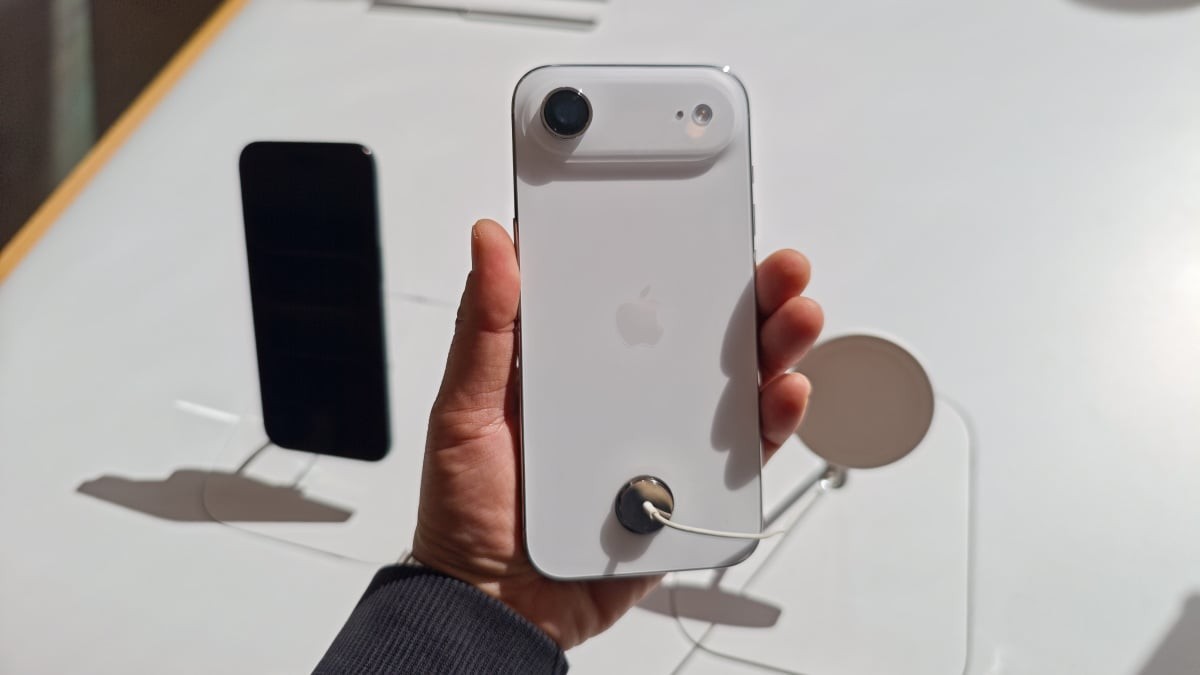
A growing number of users across the iPhone 17, iPhone 17 Pro, and iPhone Air lineups are reporting a frustrating technical glitch: their devices occasionally refuse to power back on after the battery has completely drained.
This issue has gained significant traction on platforms like Reddit, where users describe a recurring cycle of total battery depletion followed by a device that remains unresponsive even when connected to a charger.
Зміст
The Problem: A Black Screen Response
The symptoms reported by users are remarkably consistent. Once the battery hits zero, the device enters a state of apparent “unresponsiveness.” Common experiences include:
– No charging indicator: The screen remains black upon plugging in a USB-C cable.
– Failed restarts: Standard force-restart commands do not trigger the Apple logo.
– No computer recognition: The device fails to appear in Finder or on other computers when connected via cable.
While the bug is not universal—meaning it does not affect every single user or every single instance of a dead battery—it has become a significant point of contention for those who experience it repeatedly.
The “Wireless Workaround”
Because the issue is inconsistent, finding a reliable fix has required crowdsourcing solutions from the community. Currently, the most effective way to “revive” a stuck iPhone is to abandon wired charging in favor of MagSafe or wireless charging.
According to multiple user reports and technical observations, leaving the device on a wireless charging pad for 10 to 15 minutes often allows the phone to eventually boot up. Once the device has successfully restarted, standard wired charging typically functions normally again.
Why is this happening?
While Apple has not issued an official statement, technical insights from the user community suggest a firmware-related cause:
The battery firmware may require a specific minimum voltage threshold to initiate a reboot. A completely drained battery might struggle to hit this threshold via certain wired connections, whereas wireless charging may provide a more reliable “handshake” to jumpstart the power cycle.
Alternative Solutions and Observations
For those without access to wireless charging, some users have found success through other means:
– High-wattage power bricks: Some reported that while standard 5W chargers failed, higher-output adapters (such as 61W MacBook chargers or 65W third-party bricks) successfully triggered a charge.
– Extended waiting periods: Other users noted that they had to leave the device on a wired charger for several hours before the device finally responded.
Why This Matters
This bug highlights a significant reliability gap in high-end mobile hardware. In an era where smartphones are essential for navigation, emergency communication, and digital payments, a device that cannot reliably restart after a power depletion creates a “dead zone” of utility. For users on the move, the lack of a MagSafe charger makes this a much more disruptive issue than a simple inconvenience.
Summary: If your iPhone 17 or iPhone Air fails to turn on after the battery dies, avoid repeated attempts with a USB-C cable; instead, place it on a wireless charger for at least 15 minutes to trigger a reboot.