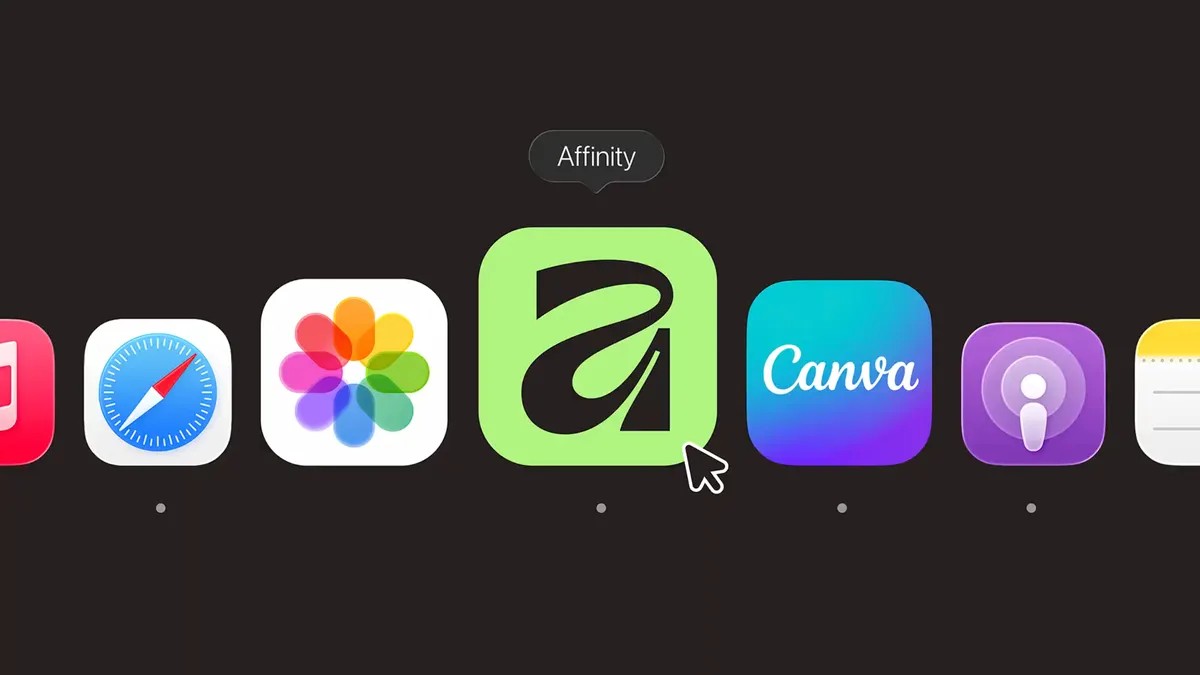
Affinity, the professional-grade graphic design suite, is now available completely free for all Canva users – and the change is intended to be permanent. This move, announced by Canva after its acquisition of Affinity’s parent company Serif in 2024, eliminates subscription fees that previously started at $70 per month.
Зміст
What This Means for Designers
Affinity includes tools for vector graphics, photo editing, and broader graphic design work, directly competing with industry standards like Adobe Creative Suite. The transition integrates all Affinity apps into the Canva platform with a new unified interface (using .af file names) and customizable layouts. Users do not need a paid Canva Pro subscription to access Affinity’s core features. However, Canva Pro subscribers gain access to additional AI-powered tools within the Affinity suite.
Why Is This Happening?
This shift is unusual in an industry where software costs are consistently rising. Recent data indicates that the average US adult wastes roughly $200 monthly on unused subscriptions, with streaming services and Adobe Creative Cloud being prime examples of escalating costs. Canva’s decision to make Affinity free appears to be a strategic move to capture market share and disrupt the subscription-based model.
While the long-term sustainability of this model remains to be seen (Canva acquired Affinity for $380 billion), the immediate impact is clear: professional-quality design tools are now accessible at no cost.
The Broader Context
This announcement coincides with a broader trend of AI integration into creative workflows. Canva, Adobe, and other companies are racing to incorporate generative AI into their platforms, though many professional creators remain skeptical of AI’s creative value. The competition is heating up as more individuals enter the content creation space, driving demand for easier-to-use editing tools.
How to Access Affinity for Free
Getting Affinity is straightforward:
- Navigate to the Affinity website.
- Click the “Get Affinity” button.
- Sign up by linking your existing Canva account or creating a new one.
- Once linked, Affinity is accessible directly through Canva’s app menu.
The key takeaway is simple: professional-grade design software is now free to use, but it requires a Canva account. Whether this arrangement proves sustainable in the long run remains an open question, but for now, it represents a significant shift in the creative software landscape.