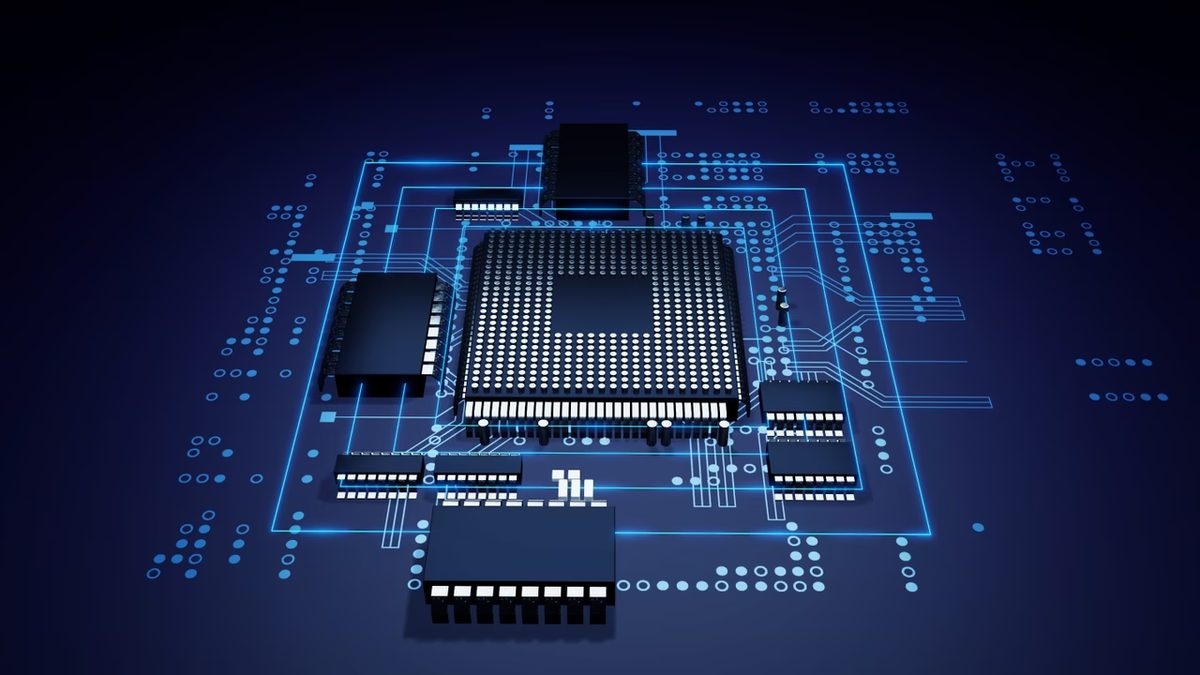
It stands for graphical processing unit. We usually call it a graphics card or simply the GPU. It is a specialized circuit designed to crunch image data. It works side by side with your CPU.
The CPU handles general tasks. The GPU handles visuals. They split the workload. This parallel processing keeps your computer from choking on complex tasks.
Зміст
Where the Silicon Lives
You can find these chips in several places inside your machine. Sometimes the GPU sits on the same chip as the main processor. This is called integrated graphics. It shares memory with the central processor. The system has to split its RAM between the two. That creates a bottleneck.
For serious work you need a dedicated card. This is an external board plugged into your motherboard. It has its own memory. The results are significantly better. You can even hook up external GPUs to laptops via a cable.
A Brief History of Pixels
The story starts in the 1970s. Arcade machines used early specialized circuits. They needed to render graphics faster than general computers could. But the real shift happened later.
In the late 1990s 3D gaming exploded. People started using computers for heavy graphical processing. The GPU became essential. You couldn’t run modern software without it.
Nvidia changed the game in 1999. They released the first mainstream consumer GPU. They dominate the market today. AMD is the other major player. These two brands supply almost every processor for graphics.
The GPU is no longer optional. It is the engine behind modern computing visuals.
Why It Matters to You
You might not think about it every day. But the GPU drives everything visual. It handles video playback. It powers your games. It accelerates creative software. Without it your screen would be a static mess.
The type of GPU you have determines what you can do. Integrated graphics handle web browsing and office work. Dedicated cards handle gaming and video editing. The extra memory on a dedicated card makes a huge difference.
If you are building a PC or buying a laptop look at the specs. Check if the GPU is integrated or dedicated. It affects your budget and your performance. Nvidia and AMD both offer good options. The choice depends on what you need to run.
Your computer needs this muscle. Without it the screen stays dark.
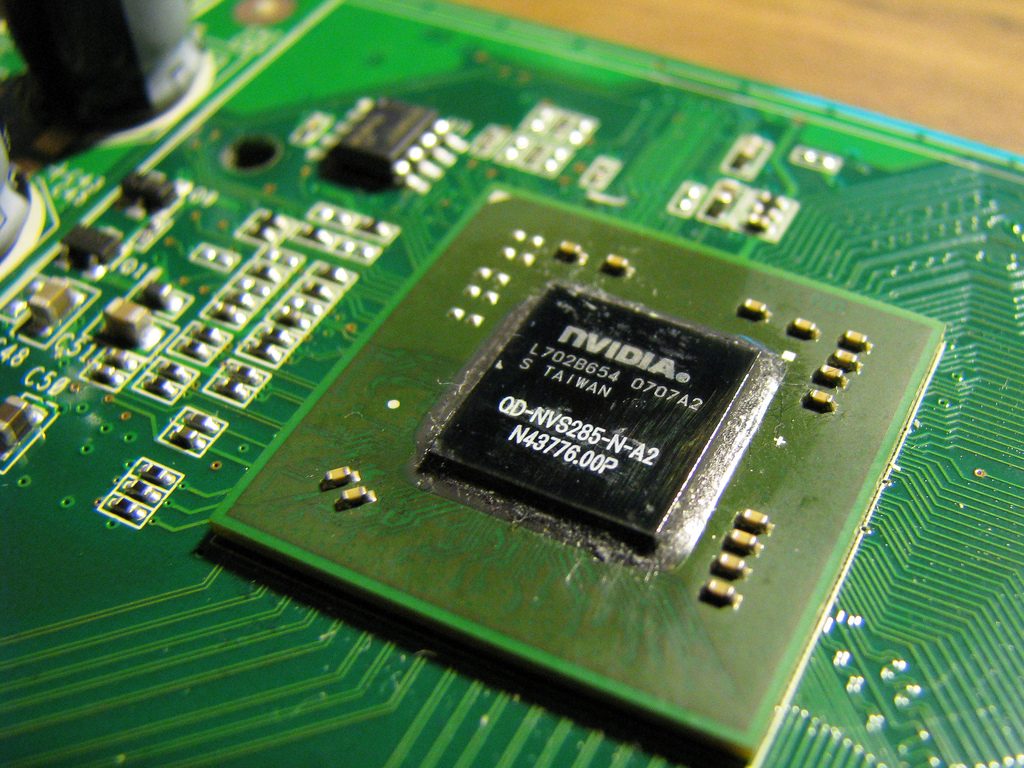
Why GPUs Have Moved Beyond Just Gaming
We used to think of the Graphics Processing Unit as a single-purpose machine. Its job was render. It took polygons, turned them into pixels, and pushed them to the screen. Simple. Efficient. But that narrative is dead.
Today, the GPU is less of a specialized accelerator and more of a general-purpose parallel processor.
The core purpose remains the same: offload heavy graphical calculations from the CPU. By handling the complex math required for rendering images, textures, and lighting, the GPU frees up the central processor to manage operating system tasks, game logic, or background processes. This separation is why gaming PCs are still built around dedicated graphics cards.
But look closer.
The same architecture that makes a GPU good at rendering millions of pixels simultaneously makes it incredibly useful for other heavy-lifting tasks. We aren’t just talking about video games anymore. We are talking about 3D animation, video editing, and even cinematic VFX.
Then there is the data science boom.
Machine learning and artificial intelligence rely on matrix multiplications. GPUs perform these operations in parallel, thousands at a time. It is the primary reason why training deep neural networks doesn’t take years anymore. It also drove the crypto mining craze, which was essentially a brute-force hash calculation problem perfectly suited for parallel processing.
How the Hardware Actually Works
You can’t understand the utility without looking at the plumbing.
A discrete GPU is a standalone card. It plugs into the motherboard. It draws power directly from the PSU. It connects to your monitor. And crucially, it has its own memory: VRAM.
This memory is not shared with the system RAM. That distinction matters.
When the GPU renders a frame, it pulls data from the CPU, processes it, and stores the finished image in VRAM until it’s ready to be displayed. This buffer prevents screen tearing and allows for smooth frame pacing. If the VRAM fills up, everything slows down. That is why modern games and creative software are so hungry for memory bandwidth.
Integrated graphics are different.
If your processor has a built-in GPU (like many Intel or AMD APU chips), it doesn’t have dedicated VRAM. It borrows from the system’s main RAM. This is cheaper and saves space. It is fine for office work. It is a bottleneck for anything that requires high throughput.
The internal architecture of a GPU is built for simplicity and scale. While a CPU has a few powerful cores designed to handle complex, sequential instructions quickly, a GPU has thousands of smaller, simpler cores.
Think of it this way:
A CPU is a sports car. Fast, agile, handles complex maneuvers.
A GPU is a fleet of delivery trucks. Individually slower, but capable of moving massive amounts of cargo simultaneously.
This is why parallel processing works. When you render a scene, you are not calculating one pixel at a time. You are calculating thousands of pixels at once. The GPU divides the image into smaller chunks, processes them in parallel, and stitches them together.
Heat and Transistors
Performance generates heat.
Because GPUs push so many transistors in parallel, they run hot. High-end cards often have more transistors than your average CPU. The heat dissipation requirements are why you see massive coolers, vapor chambers, and fans on almost every dedicated graphics card. If you ignore the cooling, the clock speeds drop to prevent melting. Thermal throttling is the silent killer of performance.
The Bottom Line
The GPU is no longer just