KMPlayer isn’t just another video player. It is a robust multimedia engine developed by Pandora TV, a South Korean tech firm. It handles nearly every audio and video format you throw at it. You don’t need to hunt for external codecs. This is its main selling point. The software plays AVI, MKV, MP4, MOV, FLAC, and MP3 files out of the box. It also handles high-resolution content. We are talking about HD, 4K, and even 8K video.
This matters because your media library is likely growing. High-bitrate files are becoming the norm. Most basic players choke on them. KMPlayer doesn’t.
“KMPlayer integrates tools for multimedia library management, making navigation smooth even for large file collections.”
Зміст
Deep Dive into KMPlayer Features
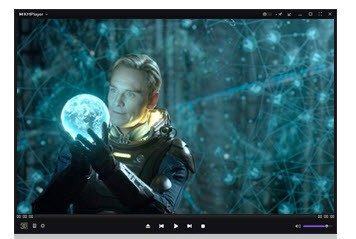
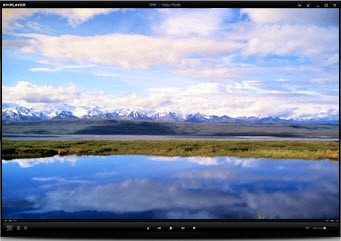
The interface is where many modern players fail. They become cluttered. KMPlayer avoids this trap. It offers a customizable look. You can change themes. The layout shifts to fit your workflow.
Beyond simple playback, the toolset is deep. You get precise subtitle management. Audio and video synchronization is built-in. This is crucial for those who watch foreign films or anime. You can also control playback speed. Want to watch a tutorial at 1.5x? It’s there.
Then there is KMP Connect. This feature allows content streaming between devices. It adds mobility. You start a video on your PC. You pick it up on your phone. It works seamlessly.
The software also includes screen capture and audio extraction tools. Creators like this. It’s easier than installing separate recording software. For power users, the library management system keeps things organized. It’s not just a player. It’s a media hub.
Downloading and Installing KMPlayer Safely
Where do you get it? Only from official sources. The Pandora TV website is the primary hub. You can also find it on trusted software repositories like Futura. Avoid third-party download sites. They often bundle malware.
For Windows users, the process is straightforward. Pick the right architecture—32-bit or 64-bit. Run the installer. The wizard guides you through the steps. You can change the installation path. You can opt out of optional extras. The interface is multilingual. It’s accessible.
Mobile users aren’t left behind. The app is on Google Play for Android. It’s on the App Store for iOS devices. The core features remain intact. You get format support. You get subtitle handling. The interface is optimized for touch. You can cast content to a connected TV via Wi-Fi. This makes it a versatile tool for commuting or casual viewing.
Keeping KMPlayer Updated
Software rot is real. Features break. Security holes open. The development team at Pandora TV pushes regular updates. These updates ensure compatibility with new OS versions. They patch security vulnerabilities. They improve the user experience.
You don’t need to hunt for patches manually. The update feature lives inside the options menu. It checks for new versions and applies them. This automated maintenance saves time. It keeps your playback smooth. It protects your system.
The software adapts to new tech. It supports 3D content now. VR integration is part of the roadmap. Streaming protocols are supported. This evolution is why it has lasted so long. It doesn’t just survive trends. It tries to meet them.
Who is KMPlayer For?
It’s for the casual user who just wants a video to play without errors. It’s also for the enthusiast who wants to tweak every parameter. The depth is there if you need it. The simplicity is there if you don’t.
Is it perfect? Nothing is. But it covers the bases better than most. It handles the heavy lifting of codec decoding. It lets you focus on the content. That is a significant advantage.
The landscape of video players is crowded. Many are bloated with ads. KMPlayer keeps it clean. It respects your time. It delivers on its promise.
You might wonder if it’s worth switching from your default player. If you regularly watch high-resolution content or need precise subtitle control, the answer is likely yes. The setup is easy. The payoff is immediate.
The future of media consumption is fragmented. Files are scattered across devices. KMPlayer bridges that gap. It brings everything to one screen. It’s a small utility with a big reach.
What will you watch first?
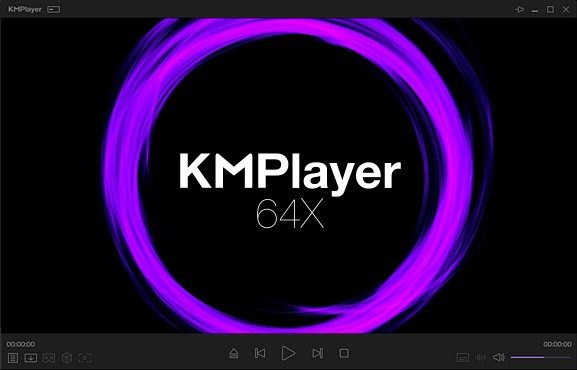
If you are tired of mediocrity in media players, KMPlayer offers a specific kind of power. It is not just about playing files. It is about controlling how they look and sound. Compared to the lightweight simplicity of VLC or the raw speed of PotPlayer, KMPlayer feels different. It leans into complexity.
The interface is dense. The settings are numerous. This is deliberate. It targets users who care about high-resolution video. It also targets those who struggle with complex subtitle synchronization.
How KMPlayer Handles High-Res and 360-Degree Video
Standard players struggle with demanding formats. KMPlayer does not. It includes native hardware GPU decoding. This means it offloads work from your CPU. The result is smoother playback for heavy files.
It also supports 360-degree videos natively. You do not need a plugin. You just open the file.
Subtitles are another area where it shines. You can adjust timing with precision. This is critical for foreign films or educational content requiring strict accessibility. The audio engine is equally flexible. You get multi-track selection. You get equalization controls. Whether you are watching a podcast or a concert, the sound adapts.
Where to Install KMPlayer: Windows, Android, and iOS
Compatibility is not universal. It is broad, but with limits.
- Windows: It runs on everything from Windows XP to Windows 11. Both 32-bit and 64-bit architectures are supported.
- Mobile: The app is available for Android and iOS. This covers most modern smartphones and tablets.
- macOS and Linux: There is no official native version. You can use virtualization or emulation. Performance varies wildly depending on your setup.
This makes it a safe bet for Windows users. It is a gamble for Linux purists.
Is KMPlayer Truly Free?
The economic model is straightforward. It is free. There are no hidden fees. There is no “student” edition. There is no “pro” tier with locked features. All essential functions are available immediately after installation.
You might encounter optional modules during the setup process. These are consultative. You can skip them. No purchase or subscription is required to use the player freely. This lack of paywalls explains its widespread adoption in educational and professional environments.
Managing Updates and Older Versions
Security matters. KMPlayer includes a system for automatic or manual updates. This ensures you get the latest features. It also patches security vulnerabilities.
Sometimes, you need an older version. Maybe your hardware is dated. Maybe a recent update broke a specific codec. You can find archived versions on third-party sites. It is generally advised to stick to the latest release for security. But the option exists if you need stability over novelty.
Finding Support and Community Resources
There is no official certification body. There is no single manual you can buy. Instead, there is a community.
The official site offers guides. These cover installation and advanced features. They also help resolve common problems. Beyond the site, forums exist. Videos explain techniques. Articles dissect settings.
This ecosystem benefits everyone. Beginners learn the basics. Experts push the software further.
The developers listen. Users submit suggestions. Bugs are reported. This feedback loop creates stability. It fosters new ideas.
The Verdict on KMPlayer
It is not for everyone. If you want simplicity, go with VLC. If you want raw speed, look at PotPlayer.
KMPlayer sits in the middle. It demands more attention. It rewards it.
It respects your experience. It provides tools. It works on most of your devices. It costs nothing.
Is that enough? For many, yes. The power is there. The choice is yours.
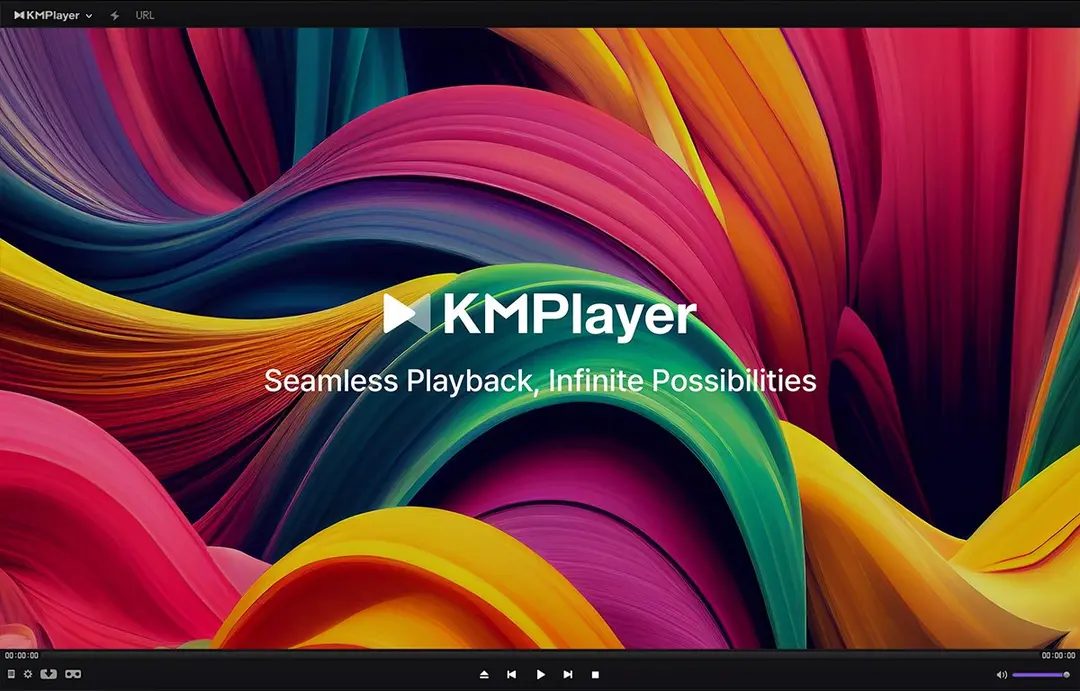
PANDORA.TV built KMPlayer to work on almost anything you throw at it. It’s not just a Windows tool anymore. You can grab it for Android and iOS too. The goal is simple: reliable playback without requiring a supercomputer.
But before you download, you need to know what it actually handles. Most users don’t want to guess. They want to know if their 4K video will play or stutter.
Supported Formats and Codecs
KMPlayer eats up a massive list of media types. It’s not picky. If it has a video or audio file, there’s a good chance the player opens it.
Video formats include the usual suspects. AVI, MKV, MP4, MOV, WMV, FLV, and WebM are all supported. It handles MPEG-2 and MPEG-4 standards without blinking.
The real test is modern codecs.
– H.264/AVC
– H.265/HEVC
– VP9
It even supports 3D and 360-degree content, depending on the file itself.
Audio is equally broad. MP3, AAC, FLAC, WAV, OGG, and WMA are all covered. You’re covered for almost any library you might have.
Subtitles are where many players fail. KMPlayer supports SRT, ASS/SSA, SUB/IDX, and VobSub/PGS. If your subtitle track is in one of these formats, it should load correctly.
The player uses internal codecs. You don’t need to hunt for external installations on Windows. However, it can work with external components if your system configuration allows it.
Hardware Acceleration and Performance
Does it use your graphics card? Yes.
Hardware acceleration is a key feature. KMPlayer leverages DirectX and OpenGL based on your GPU and drivers. If your system has a decent graphics card, the player uses it to decode video. This reduces CPU load.
This matters for high-resolution content. Playing HD, 4K, or even 8K video requires processing power. Without hardware acceleration, you might see stuttering. With it, playback is smoother.
The result is better sync between audio and video. The player includes synchronization tools, but the hardware support does the heavy lifting for performance.
Operating System and Architecture
KMPlayer isn’t just a Windows app. It’s a cross-platform effort, but the desktop experience is rooted in Microsoft’s ecosystem.
Windows support is extensive. It covers 32-bit and 64-bit architectures. You can run it on Windows XP, Vista, 7, 8, 10, and 11. Yes, XP. The software maintains backward compatibility.
Mobile is another story. Native apps exist for Android and iOS (iPhone/iPad). This means you aren’t stuck with a desktop viewer. You can take your library on the go.
There is no native version for macOS or Linux. If you’re on a Mac, you can’t install it directly. You’d need virtualization or emulation. That adds overhead. For Windows users, the native experience is straightforward.
Interface and Usability
The interface is customizable. You aren’t stuck with a rigid layout.
- Changeable themes
- Modifiable panels
- Custom shortcuts
This flexibility appeals to power users who want control. The software also includes a library manager. It helps organize your files if you have a large collection.
KMP Connect is part of the ecosystem. It allows for network streaming. You can pull content from other devices on your local network. This is useful if you store media on a NAS or another PC.
Licensing and Availability
KMPlayer is freeware. You can use it for personal or professional purposes without paying. The license is
The Hidden Cost of Convenience
Most users don’t realize they are paying for the privilege of simplicity. That clean interface on your favorite app? It’s built on a sprawling, messy foundation of third-party libraries. And when one of those dependencies breaks, the whole house of cards trembles. This is the reality of modern software development. We trade visibility for speed. We accept fragility for functionality.
The problem isn’t just about bugs. It’s about trust. When you download an update, you’re trusting a chain of custody that spans thousands of developers. Most of whom you’ve never heard of. The recent surge in supply chain attacks has made this chain a liability. Hackers aren’t breaking in through the front door anymore. They’re slipping a poisoned package into the delivery truck.
Why Dependency Management Matters
Consider the concept of dependency management. It sounds like backend jargon. It’s actually a security risk. Every time you install a package, you’re introducing a new attack surface. A small, obscure library might handle date formatting or image compression. But if that library is compromised, so is your app.
This isn’t hypothetical. We saw it with the event-stream incident. A popular npm package was hijacked. The code was altered to steal cryptocurrency wallet credentials. The developer had abandoned the project. The community moved on. But the damage was done. Thousands of applications relied on that code. They kept running. They kept leaking data.
The convenience of “just install it” masks the complexity of what you’re actually installing.
This highlights why open source security is a critical concern. Many core tools are maintained by volunteers. They work in their spare time. They don’t have dedicated security teams. A single oversight can have global repercussions. The ecosystem relies on goodwill. And goodwill is a fragile resource.
The Role of Modern Tooling
So, what’s the fix? Blaming developers is easy. It’s not the solution. The industry has responded with better tooling. Software composition analysis (SCA) tools now scan your project for known vulnerabilities. They check against databases like the National Vulnerability Database (NVD). Some tools even predict potential risks based on project health and maintainer activity.
These tools are helpful. They’re not foolproof. False positives are common. They can clutter your build process. But they are better than flying blind. The key is integrating them early. Not as an afterthought at deployment. As a standard part of the development lifecycle.
Balancing Speed and Safety
There’s a tension here. Teams want to ship fast. Security teams want to slow down and check everything. The sweet spot lies in automation. Automated testing. Automated scanning. This reduces the human error. It also frees up developers to focus on actual innovation.
But automation isn’t enough. We need a cultural shift. Developers need to understand the cost of their choices. Product managers need to budget for security. Users need to demand transparency. It’s a collective responsibility.
Where Do We Go From Here?
The landscape is shifting. New regulations are emerging. The European Union’s Cyber Resilience Act proposes stricter standards for digital products. Companies will be held accountable for vulnerabilities in their software. This will force a change in how products are built.
For now, the best strategy is vigilance. Keep your dependencies updated. Monitor for