Media Player Classic – Home Cinema, or MPC-HC, isn’t just another video player. It’s a free, open-source tool that strips away the bloat while keeping the features that actually matter. If you are tired of heavy, ad-ridden software hogging your RAM just to play an MKV file, this might be the solution you didn’t know you needed.
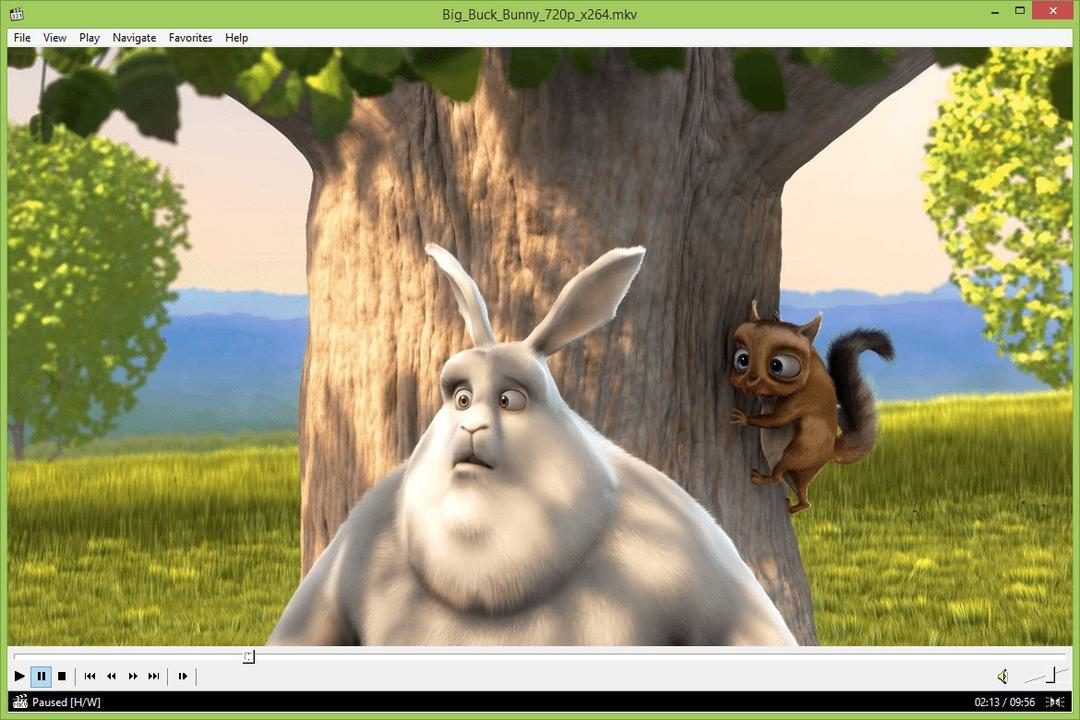
It draws its design language from the classic Windows Media Player interface. Clean. Familiar. Uncluttered. But underneath that simple exterior lies a robust engine capable of handling almost any format you throw at it. You don’t need to hunt for external codecs anymore. MPC-HC decodes files like AVI, MP4, MOV, FLV, and MP3, AAC, or FLAC directly. It respects open standards and just works.
Зміст
Why Choose MPC-HC Over Modern Alternatives?
The primary draw is efficiency. This software is lightweight. It runs smoothly on older machines running Windows 7, yet it holds up just fine on modern rigs pushing 4K or 8K content. It’s not about nostalgia; it’s about performance.
But “lightweight” doesn’t mean “limited.” Power users will find a surprising depth of control here. You can tweak audio configurations down to the millisecond. Subtitle rendering is highly customizable. The playlist management is robust. You can adjust playback speed without affecting pitch, capture frames, and manage multiple audio tracks with ease.
“The emphasis on program lightness contrasts with the power of included features, making MPC-HC a perfectly adapted solution for both old computers and modern machines requiring high-definition video playback.”
There is also a portable version available. No installation required. You can keep the executable on a USB drive, plug it into any Windows PC, and run it instantly. No registry entries. No traces left behind. This is huge for privacy-conscious users or those who frequently swap devices.
Installation and Setup on Windows
Getting MPC-HC up and running is straightforward. The official project site (often mirrored on tech portals like Futura) offers the standard installer. You have three choices:
- 32-bit edition: For legacy systems or older hardware.
- 64-bit edition: For modern Windows 10 and 11 installations.
- Portable version: For USB-driven, zero-install usage.
The installer itself is clean. No bundled junkware. No sneaky toolbar installations. Just the player. When you run the executable, a simple wizard guides you through the steps. You can choose the installation directory. You can decide whether to associate MPC-HC with common media files. This last step is crucial. Without it, double-clicking a video might still launch your old, bloated default player.
During setup, you can also pre-configure default settings. Hardware acceleration? Yes or no. Default subtitle filters? You can set them here. It’s a proactive approach that saves time later.
Compatibility and Integration
MPC-HC integrates well with the Windows ecosystem. It supports Windows 7, 8, 10, and 11. Both 32-bit and 64-bit architectures are fully supported. The software automatically associates with the most common video and audio types, ensuring that your media library opens up in the right place every time.
Customization extends to the toolbar and keyboard shortcuts. You can map almost any function to a key combination. This makes navigation fast, especially if you’re handling a large library of files. The interface remains intuitive, but the depth of settings caters to those who want to fine-tune every aspect of their viewing experience.
It’s a rare balance. A player that feels like it belongs in 2024 but respects the simplicity of software from ten years ago. Why do we keep accepting sluggish, invasive media players when better options exist? MPC-HC proves that efficiency doesn’t require sacrifice.
The next layer involves integrating external filters via DirectShow, which opens up even more possibilities for specific codec support, but that’s a rabbit hole for another time. For now, the core experience stands on its own.
Keeping MPC-HC Current Without the Friction
You do not have to hunt for updates. MPC-HC has a built-in checker right in the menu. It tells you if a new version is waiting. If you prefer manual control, the official site hosts the latest release. You just install it over the old one. Your settings stay. Your media library stays.
This matters because video codecs change fast. New formats drop regularly. Old versions struggle. Staying current keeps playback smooth. It also patches security holes before they become headlines.
Windows Only: The Trade-off for Performance
Here is the catch. MPC-HC runs on Windows. That’s it. No macOS version. No Linux native build. Nothing for Android or iOS.
If you need cross-platform freedom, VLC Media Player is the obvious answer. It runs everywhere. PotPlayer is another strong Windows alternative with different features.
But if you are stuck on Linux and want MPC-HC, you can try Wine. It works. Sort of. Stability is not guaranteed. It is not the same as running natively. For most users, sticking to the platform the software was built for is the smart move.
No Paywalls, Just Code
The software is completely free. No premium tier. No “pro” features locked behind a subscription. No ads. This model works for individuals, students, and non-profits. It removes the barrier to entry for high-quality playback.
Older versions are still archived on official repositories. You might need them for legacy hardware or specific legacy codec requirements. But don’t linger there. Update. The latest build has the best stability and the fewest bugs.
Unlocking Advanced Features
Basic users open a file. It plays. Done.
Power users do more. They tweak video rendering pipelines. They adjust audio equalizers. They connect via HDMI for home theater setups. The software supports DirectShow filters and external frameworks. This means you can add custom post-processing scripts. You can manage complex playlists with bookmarks and user profiles.
It handles everything from casual movie nights to professional-grade audiovisual projection. The flexibility is there if you know where to look.
Resources for the Curious
You are not left guessing. The official site has documentation. It covers setup and advanced tuning. It is updated regularly.
Beyond that, there are forums. There are video tutorials. The community solves niche problems. Need to sync subtitles perfectly? There is a guide. Trying to squeeze out better performance on old hardware? Someone has already posted a solution.
There are no official certifications. But if you are teaching IT or running a workshop, the material exists. You can build a curriculum around it.
Why It Sticks
MPC-HC endures. Not because it is flashy. Because it works. It is fast. It is simple. It is open.
Whether you are checking a quick video clip or managing a professional media server, the ecosystem holds up. Downloading it is safe. Installing it is straightforward. The performance is consistent.
In a market cluttered with bloated players and subscription traps, it remains a clean alternative. You get full functionality. You get community support. You get a tool that respects your time.
The question isn’t if you should use it. It’s whether you’ve tried the advanced settings yet.
Why MPC-HC Still Matters in a Windows 11 World
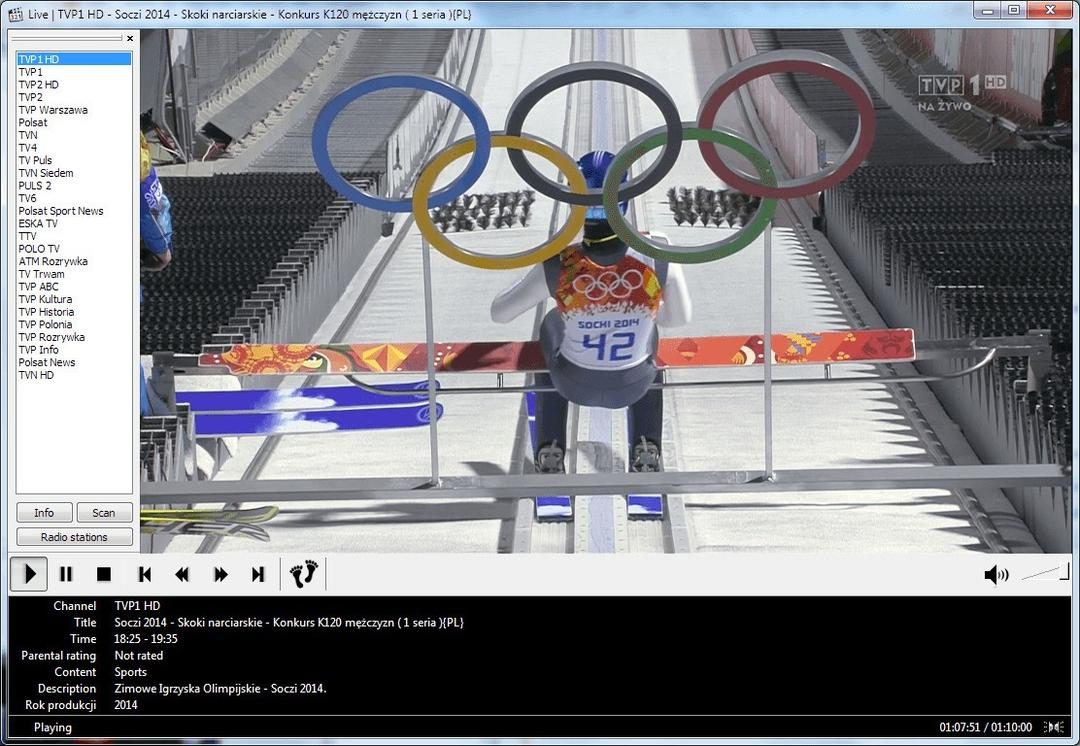
Most people assume lightweight media players are relics. They’re wrong. Media Player Classic – Home Cinema (MPC-HC) remains a dominant force because it does one thing perfectly: it plays files without complaining. You are looking at a standalone solution that strips away the bloat found in modern alternatives. No telemetry. No adware. Just raw decoding power wrapped in a familiar, classic interface.
This isn’t about nostalgia. It’s about efficiency.
The software runs on Windows 7, 8, 10, and 11 for both 32-bit (x86) and 64-bit (x64) architectures. If you are running an older machine or just want to save RAM, the portable version is your best friend. It keeps your preferences intact without cluttering your registry or installing system-wide drivers. You can copy it to a USB drive and play your library on any PC.
How It Handles Video and Audio Formats
MPC-HC uses DirectShow-based internal filters. This means it handles a vast array of containers natively. You don’t need to hunt for obscure codec packs.
The supported list is extensive:
* Video: AVI, MP4, MKV, MOV, FLV, TS/M2TS.
* Audio: MP3, AAC, AC3 (Dolby Digital), DTS, FLAC, WAV, OGG.
For subtitles, it catches nearly everything you throw at it. SRT, ASS/SSA, VobSub, and even PGS (Blu-ray) subtitles work out of the box. This matters because external subtitle rendering often breaks or lags. MPC-HC renders them inline, keeping lip-sync tight.
The Rendering Engine: DXVA2 and EVR-CP
Performance hinges on how the GPU talks to the player. MPC-HC supports DXVA2 hardware acceleration. This offloads heavy lifting from your CPU to your graphics card. Whether you have a decade-old integrated chip or a high-end NVIDIA/AMD GPU, the player adapts.
The default video renderer is EVR-CP (Enhanced Video Renderer Color Pruning). It offers a good balance of quality and performance. For purists or those with specific display needs, VMR9 is available. If you want cinematic perfection, you can plug in madVR as an external renderer. It’s not built-in, but it’s fully supported. This flexibility is why tech-savvy users stick with it.
Installation and Privacy: No Strings Attached
You might wonder why privacy matters for a video player. It matters because many “free” apps track your viewing habits or phone home to servers. MPC-HC requires no internet connection for local playback. It does not send telemetry. It does not install browser extensions. It respects your digital silence.
The installer is tiny. A few megabytes. It respects your system resources. You can customize everything: keyboard shortcuts, toolbar visibility, and file associations. If you want MPC-HC to open every MKV file by default, it will do so without fighting your other apps.
Is It Right for Your Setup?
The minimum requirements are low: a CPU with SSE2 support, DirectX 9 compatible GPU for EVR, and standard RAM. If your PC meets these specs, you are good to go.
You should choose MPC-HC if:
1. You want a player that doesn’t update itself unexpectedly.
2. You need to play legacy or niche video formats without extra codecs.
3. You value a small footprint and zero background processes.
However, if you need a modern, touch-friendly interface or built-in streaming features from major platforms, this might feel too utilitarian. But for pure, unadulterated playback? It remains hard to beat. The community keeps the project alive, ensuring it stays compatible with the latest Windows updates